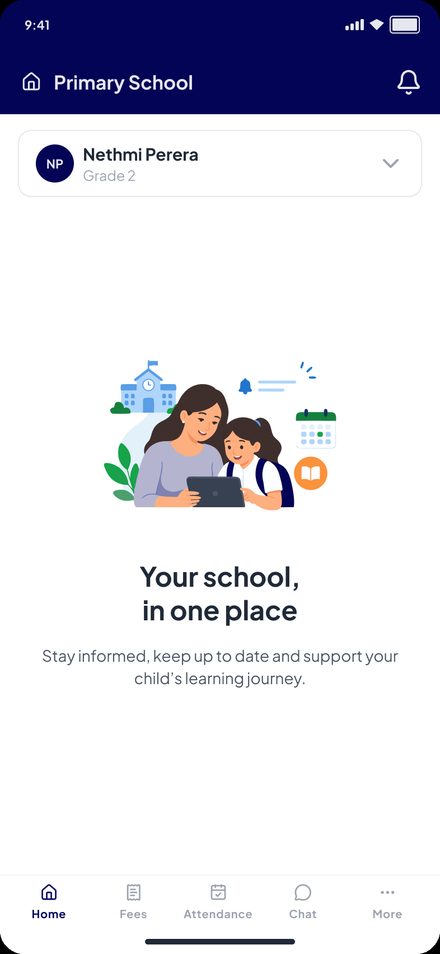
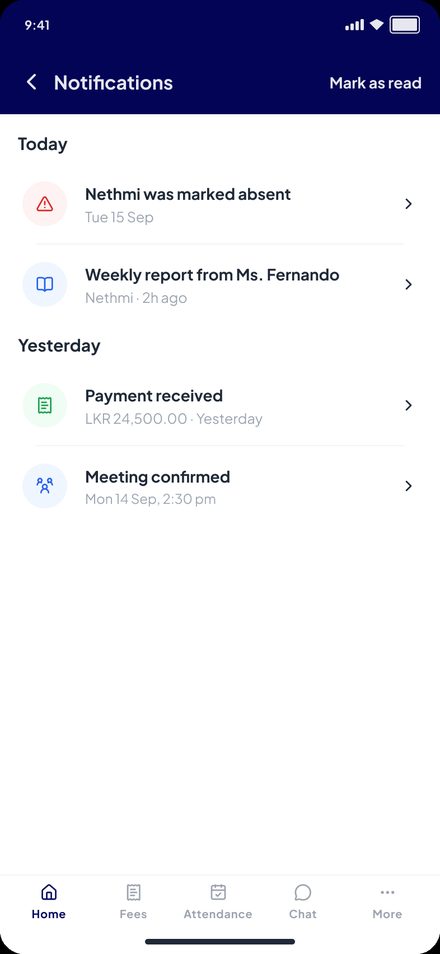
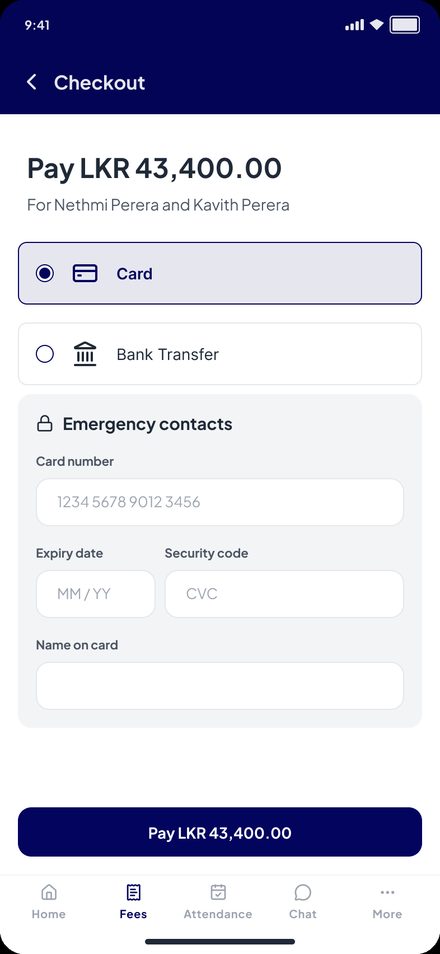
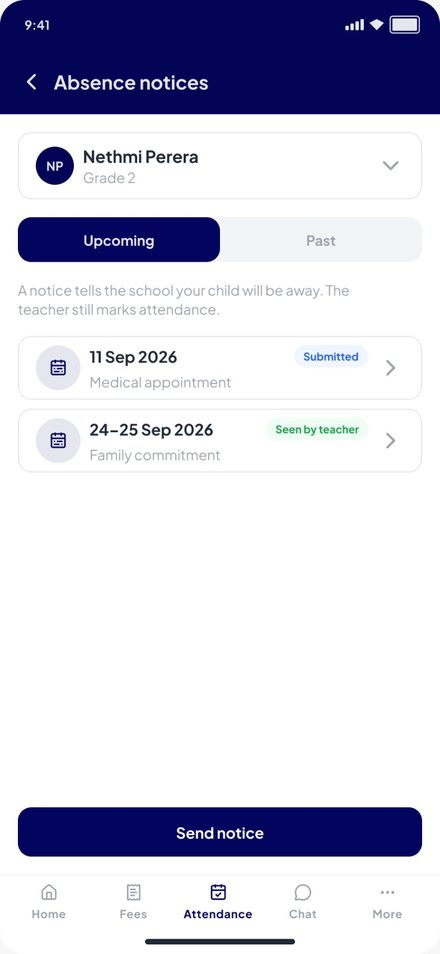
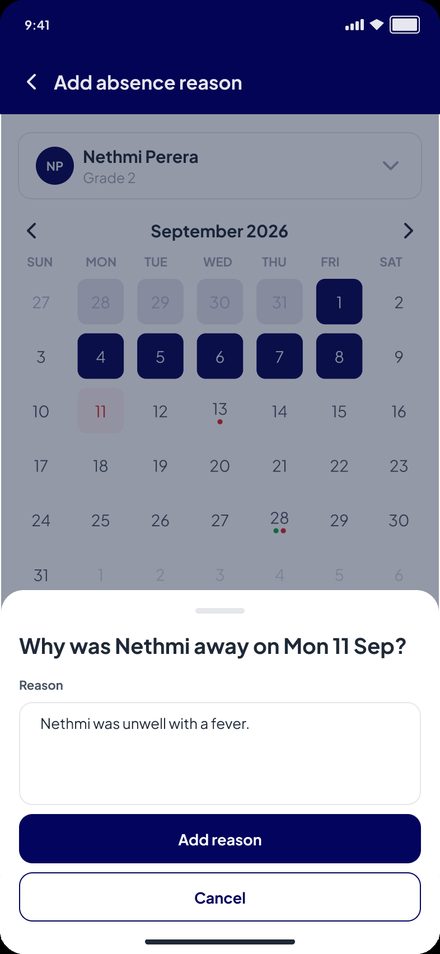
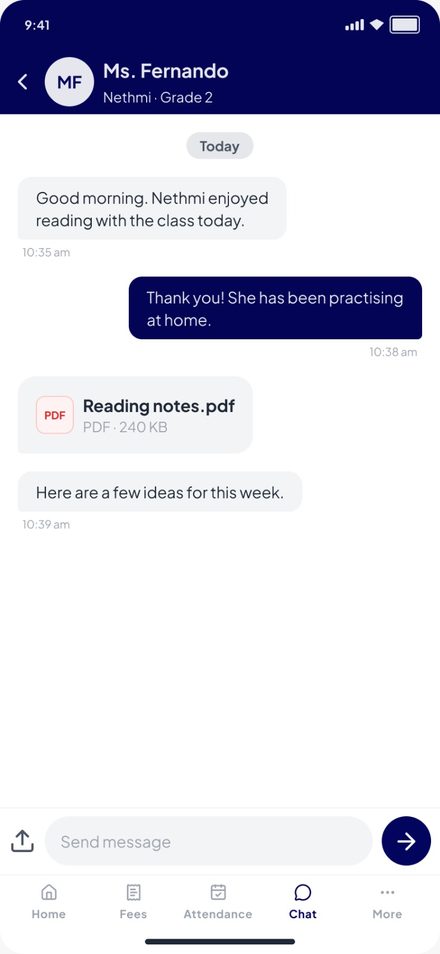
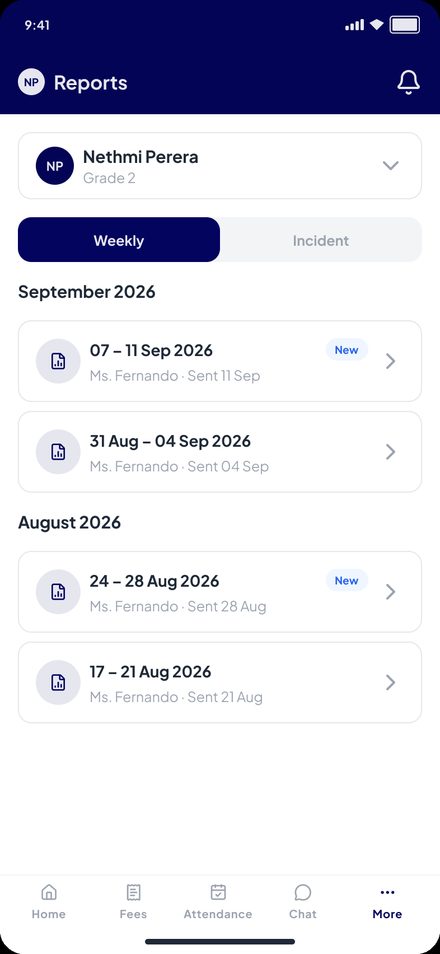
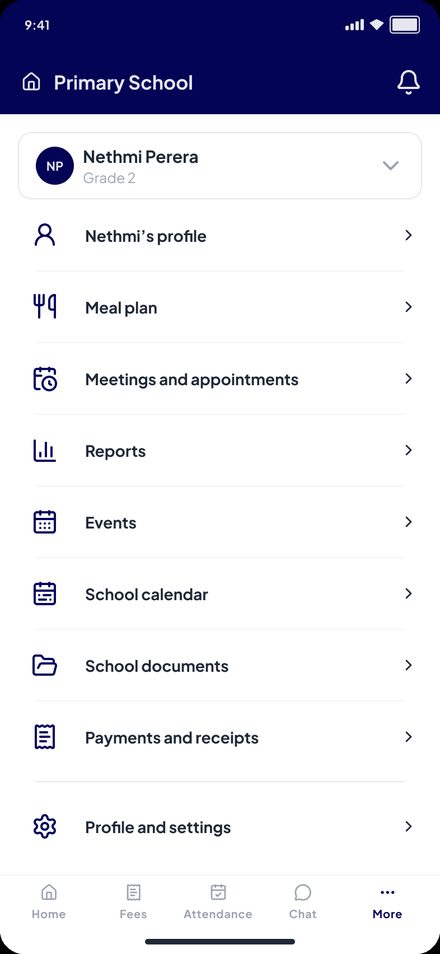
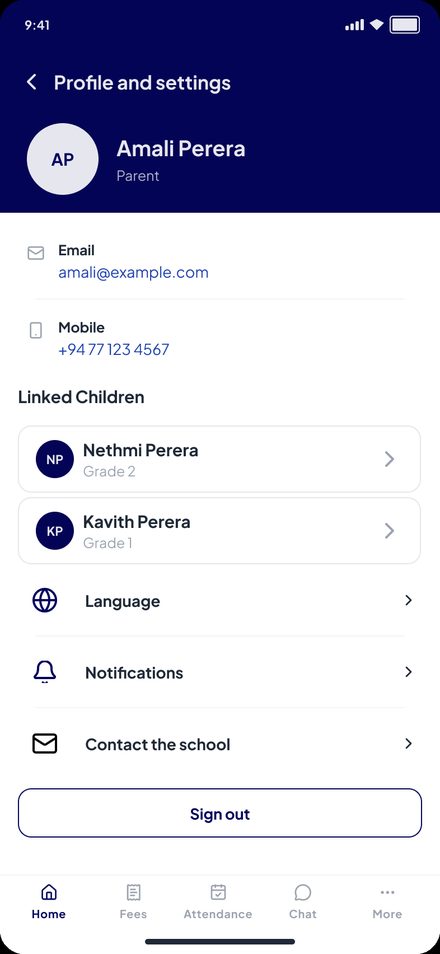
A parent app for a private primary school. Fees, attendance, weekly reports, chat with teachers and school events sit in one place, and parents with more than one child can switch between them from every screen.
01Welcome02Home03Notifications04Fees05Checkout06Absence notices07Add absence reason08Chat09Reports10More11Profile and settings
Scroll sideways for more screens. Names are fictional sample data.
One app, several children
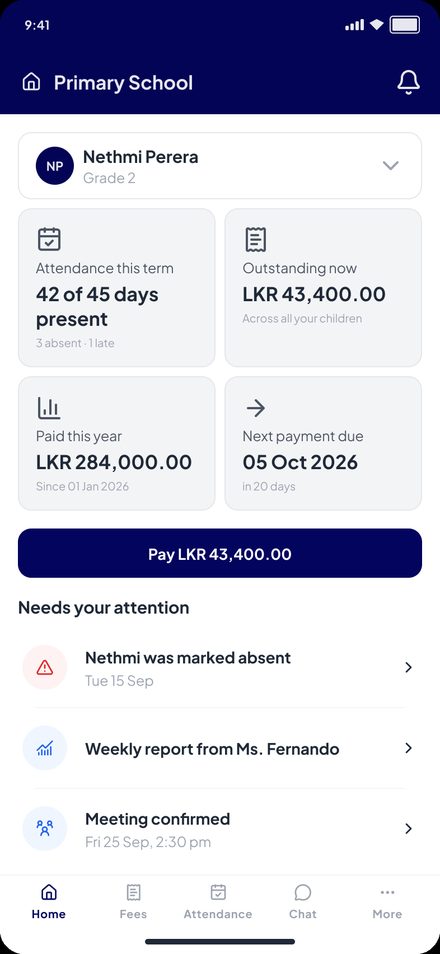
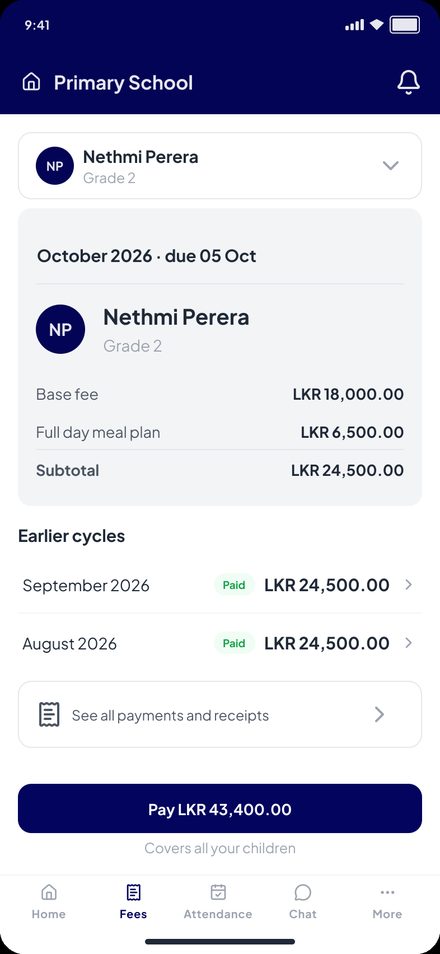
A child switcher sits at the top of each screen, and totals such as fees say clearly when they cover all children.
What needs attention first
Home leads with attendance and money, then a short list of things to act on: an absence, a new report, a meeting.
A system before screens
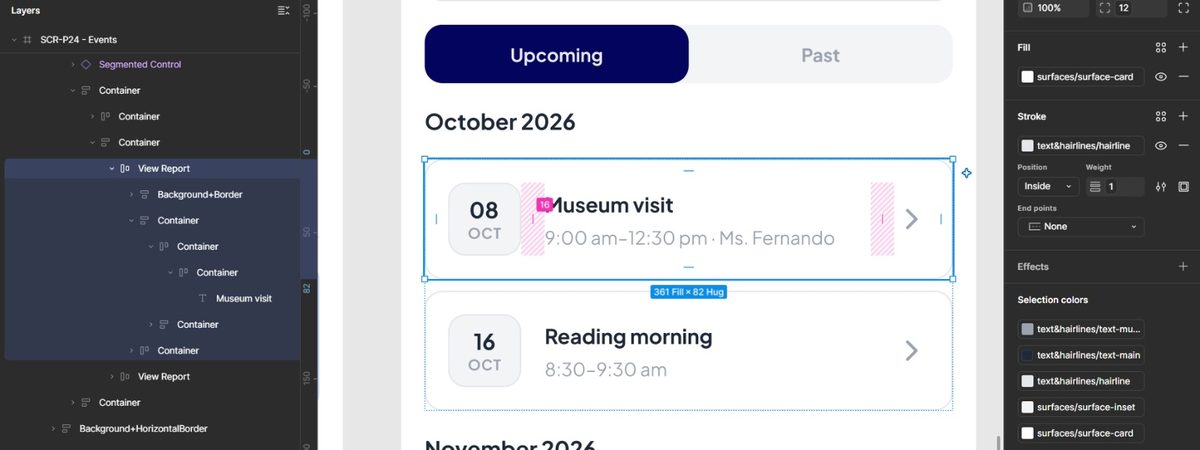
Every screen is built from shared components, variables and auto layout, so new screens stay consistent as the app grows.
Design system
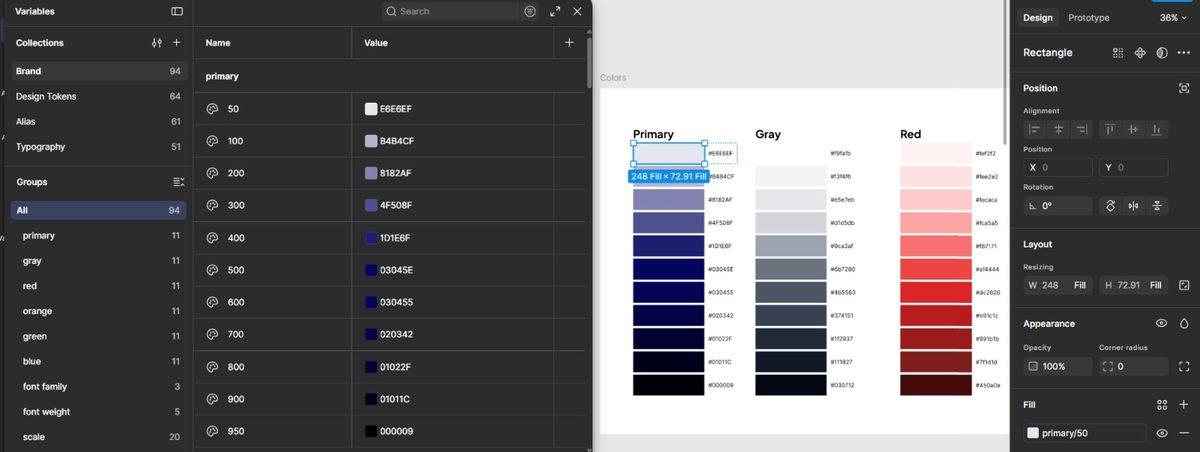
Colour, straight from my variables
Hover or tap a swatch to see its variable
Six ramps, 11 steps each, from 50 to 950.
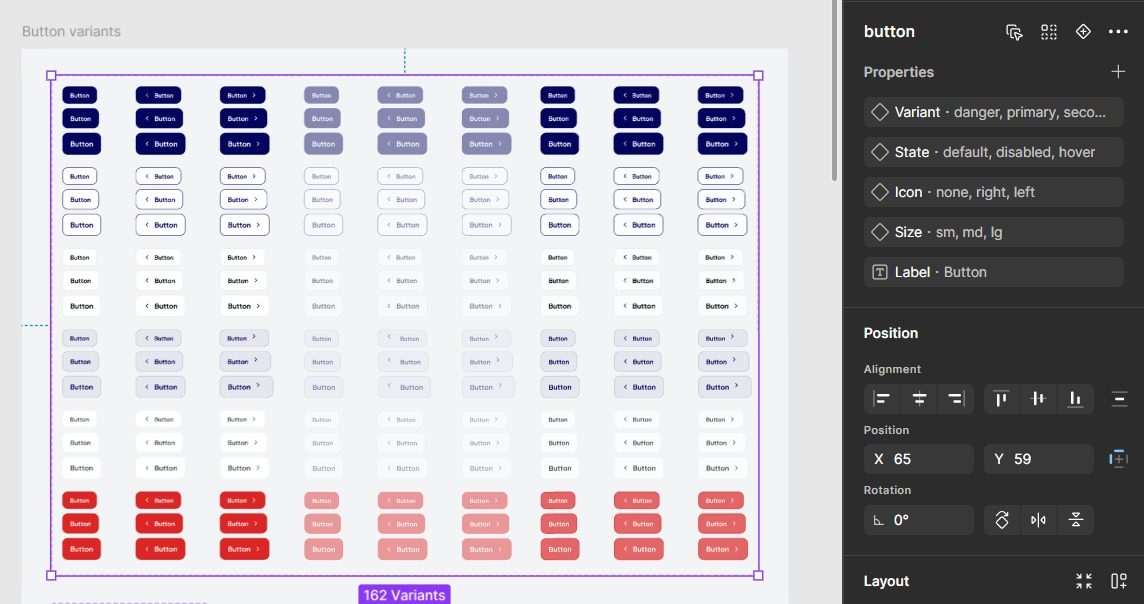
Button property
Options
Variant
6, including primary, secondary and danger
State
default · hover · disabled
Icon
none · left · right
Size
sm · md · lg
Label
Text property
6 × 3 × 3 × 3 = 162 variants from one component.
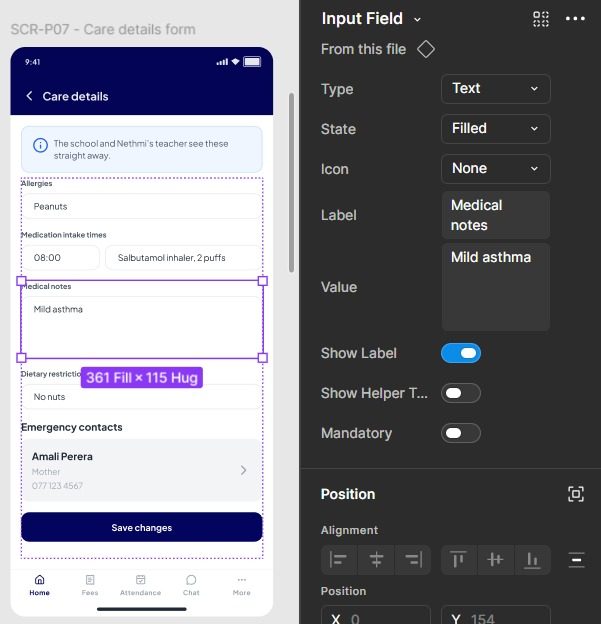
Inside the file: 4 collections, 270 variables.The button component set.Input field properties: type, state, icon, label, helper text, mandatory.Auto layout all the way down, with semantic surface and hairline tokens.